Geometry elements: edges and the finite element mesh
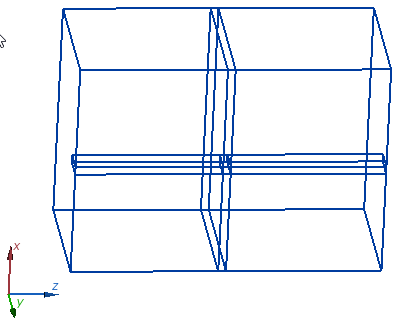
Model geometry presentation is turned on by default and displays the edges of the original geometry
model. To turn the geometry on and off there is a button  in
the field view toolbar. This presentation
has no adjustment settings.
in
the field view toolbar. This presentation
has no adjustment settings.
Finite Element Mesh presentation shows the finite element mesh on the visible surfaces. Finite Element Mesh command in the View menu or the field view toolbar button turns this presentation on and off. It does not have adjustment settings.
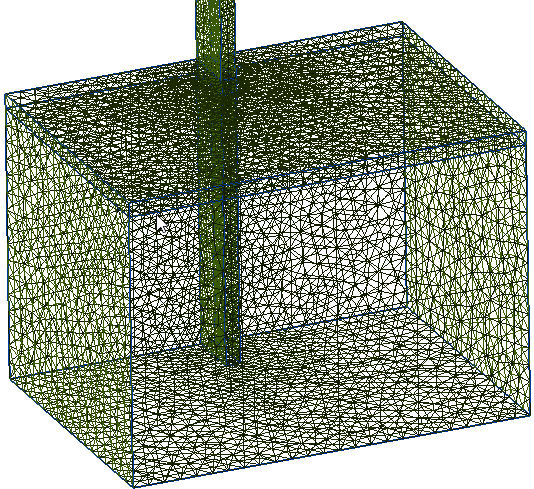
Pic. "Finite Element Mesh" presentation