Postprocessing menu
Group of panes in the middle part of menu turns the field presentation modes on and off. Most of presentations may be turned on and off independently to show the most impressive field view on a screen. Field view window opens two presentations at start: model geometry (shown with blue edges) and colored surface on visible faces, where color corresponds to the level of the physical parameter shown.
Majority of the presentations has control settings. The pane Settings includes all control settings grouped according to the presentation type.
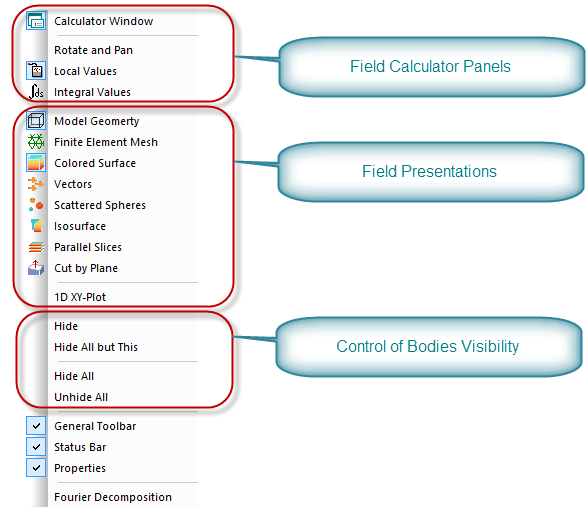
Pic. Menu View commands which control the results presentation.
Group of commands in the lower part of the menu controls the visibility of the separate bodies. It is often required to hide unused parts of the model to make needed parts visible.