Cutting the Model by a Plane
It is possible to cut the model by a plane to visualize the internal cavities of the model components, which are hidden behind over objects.
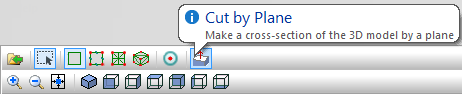
To turn the cutting plane on or off click on the button "Cut by Plane" in the model editor 3D view toolbar, or use the command Cut by Plane in the View menu
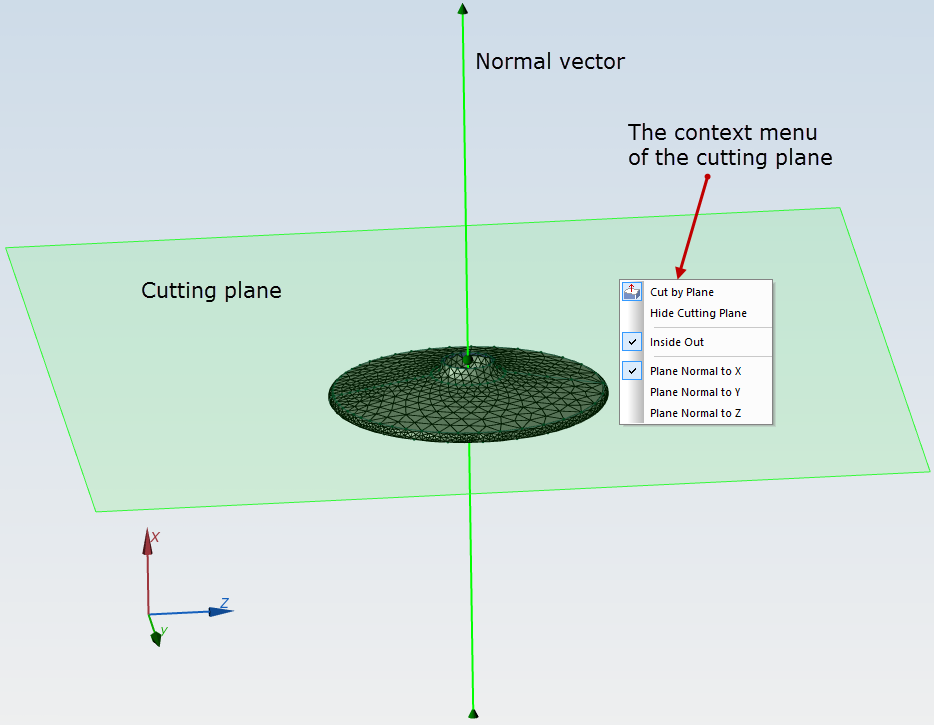
It is possible to control the position of the cutting plane by the following methods:
- Dragging the cutting plane by the mouse along the plane normal;
- Dragging normal vector to the cutting plane by the mouse;
- Selecting one of the predefined plane normal orientations along the coordinate axes in the context menu;
- Inside out command of the context menu controls what part of the cut model should be shown on the screen.
If some object cannot be viewed or selected behind the cutting plane - the plane may be hidden temporarily using the command Hide cutting plane in the context menu or in the View menu.
Related Topic:
Creating 3D Geometry Model
Calculation results window
Control of a 3D Picture: Rotation, Pan, Zoom
Selection of 3D Entities
Hidden and Transparent Bodies